 Family Photo Maker
Step-by-Step Workflow
Create Family Portrait from Multiple Photos
Follow our proven workflow to combine separate family photos into one stunning portrait. Each step is designed to get you the best results—no photography experience required.
The Complete Workflow
From gathering photos to downloading your finished portrait
Gather Individual Photos
Collect a clear, front-facing selfie from each family member. Good lighting and no sunglasses work best. Photos can be from different times and places.
Create Your Free Account
Sign up in seconds. New accounts receive 45 free credits—enough for one full portrait generation. No credit card required.
Upload All Photos
Upload up to 14 individual photos (pets included). Our system accepts common formats: JPEG, PNG, HEIC. Each upload is securely processed.
Choose Your Style
Browse 350+ curated portrait styles: traditional, holiday, creative, seasonal. Preview how your family will look in each style before generating.
Generate Your Portrait
Click generate and our AI analyzes each face, matching skin tones, lighting, and positioning. Generation takes about 30 seconds.
Download & Share
Download your high-resolution portrait (print-ready quality). Share directly to social media or order prints through our partners.
Pre-Upload Checklist
Make sure you have everything ready before starting
One clear photo of each person
Front-facing, good lighting, face fully visible
Photos in common format
JPEG, PNG, or HEIC accepted
No heavy shadows or sunglasses
The AI needs to see facial features clearly
Similar photo quality (optional)
Results are best when all photos are similarly crisp
Decision on style category
Traditional, holiday, creative, or seasonal
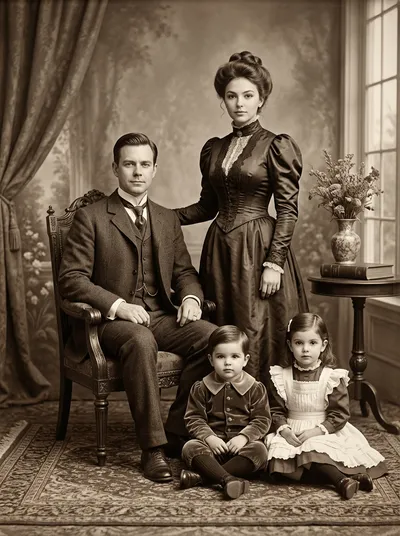
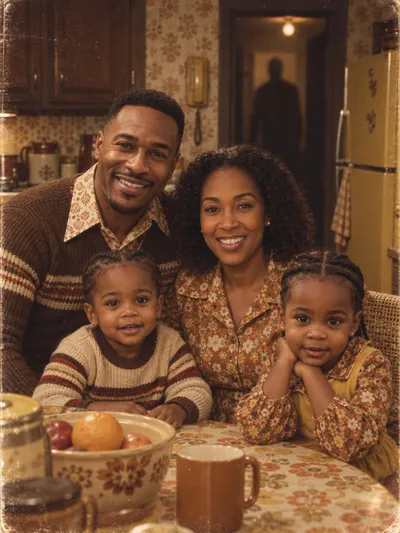
Style Examples
See what your final portrait could look like




Workflow Questions
How many photos can I combine into one portrait?▼
Do all photos need to be taken at the same time?▼
What if one person's photo is lower quality?▼
Can I include pets in the portrait?▼
How long does generation take?▼
What resolution is the final portrait?▼
Continue Learning
Ready to Start?
Follow the workflow above and create your first family portrait in minutes.