 Family Photo Maker
2026 Buyer's Guide
Best AI Family Portrait Generator
An honest comparison of AI family portrait tools in 2026. We'll cover Family Photo Maker, Photo AI, FamilyShoot, and traditional studio photography—what each does best and where each falls short.
What Actually Matters
The most important question: can the tool combine separate selfies into one group portrait?This is the core problem for most families—getting everyone in the same room is impossible.
Beyond that, look for: style variety, print-ready resolution, transparent pricing, and whether pets can be included.
Honest Comparison Table
| Feature | Family Photo Maker | Photo AI | FamilyShoot | Studio Photo |
|---|---|---|---|---|
| Primary Use | Family group portraits | Individual headshots | Family group portraits | All photography types |
| Combine Separate Photos | ✓ Up to 14 people | ✗ Single-person focus | ✓ Multiple people | ✗ Must be present |
| Long-Distance Families | Core strength | N/A | Yes | Not possible |
| Style Variety | 350+ (26 categories) | Professional headshots | Multiple styles | Depends on studio |
| Holiday Themes | Extensive (Christmas, Halloween, etc.) | Limited | Available | Seasonal sessions |
| Creative Themes | 80s, Sitcom, Viral Trends | Limited | Various | Requires setup |
| Pet Support | Yes, dedicated category | Limited | Check availability | Usually extra |
| Cost Range | From $9.99 (about $0.20-$0.67 per portrait) | Varies | Check pricing | $200-500+ |
| Turnaround Time | ~5 minutes | Minutes | Minutes | 2-4 weeks |
| Candid Moments | Posed only | Posed only | Posed only | Real emotions |
| Specific Locations | Style presets | Style presets | Style presets | Your actual locations |
* Pricing and features may change. Check each service for current offerings.
When to Choose Each
Family Photo Maker
Best for: Family group portraits when members are scattered, holiday cards, creative themed portraits (80s, sitcom, viral trends), families with pets.
Limitations: Cannot capture candid moments, no control over specific locations, posed portraits only.
Photo AI
Best for: Individual professional headshots, LinkedIn profiles, personal branding, single-person portraits.
Limitations: Not designed for family group portraits from separate photos.
FamilyShoot
Best for: Family group portraits from separate photos, similar core use case to Family Photo Maker with its own style library.
Compare: Browse both style libraries to see which aesthetic matches your vision.
Professional Studio
Best for: Milestone events (weddings, graduations), capturing genuine emotions, photos at meaningful locations, when everyone can be present.
Limitations: Expensive, requires scheduling, everyone must be present, weather-dependent for outdoor shoots.
Family Photo Maker Styles
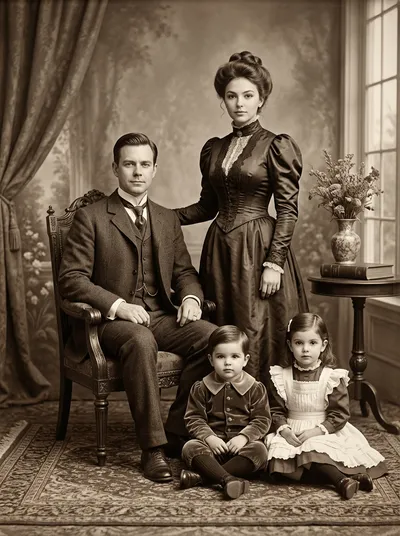
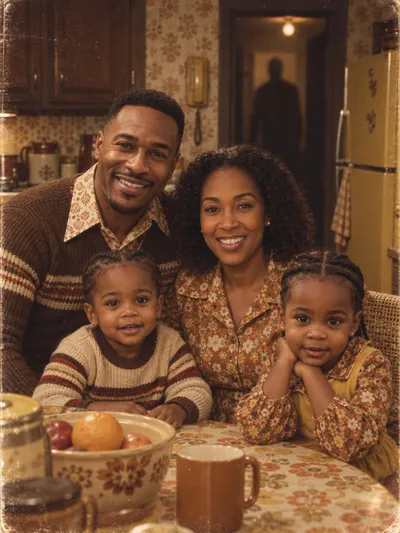
Preview some of our 350+ styles across 26 categories




Frequently Asked Questions
What makes an AI family portrait generator the best?
The best AI family portrait generators can combine separate selfies into one portrait (solving the core problem of scattered families), offer diverse style options, produce print-ready resolution, and have fair pricing. The "best" depends on your specific needs.
How does Family Photo Maker compare to Photo AI?
Family Photo Maker specializes in combining separate selfies into group portraits with 350+family-themed styles. Photo AI focuses on individual headshots and portraits. Choose FPM for family group photos, Photo AI for individual professional headshots.
How does Family Photo Maker compare to FamilyShoot?
Both FamilyShoot and Family Photo Maker solve the same core problem: creating group portraits from separate photos. They differ in style offerings, pricing models, and specific features. Compare both to see which aesthetic and pricing fits your needs.
Should I use AI or hire a professional photographer?
AI excels when family members can't be in the same location, budget matters, or you want creative themed portraits quickly. Professional photographers capture authentic moments, candid emotions, and specific locations. Many families use both for different purposes.
Related Pages
Try Family Photo Maker Free
New accounts get starter credits. See for yourself how we stack up against the competition.
Start Creating for Free →