 Family Photo Maker
Family Reunions
AI Family Reunion Photo
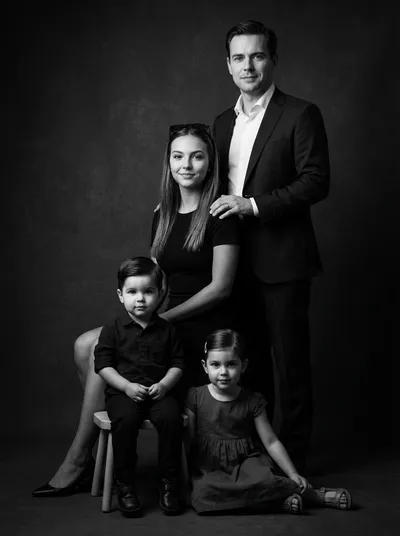
Family reunions bring everyone together, but getting the perfect group photo is nearly impossible. Someone's always missing, the lighting's wrong, or half the family is looking elsewhere. Family Photo Maker uses AI to create stunning reunion portraits—including family members who couldn't attend—from individual selfies.
Browse Portrait Styles
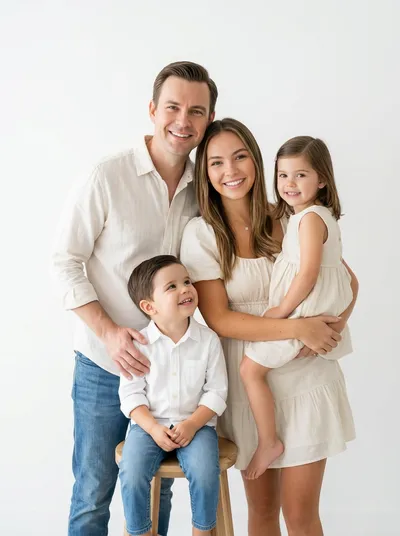

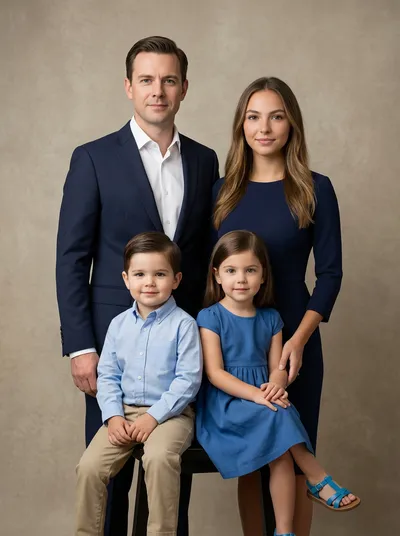

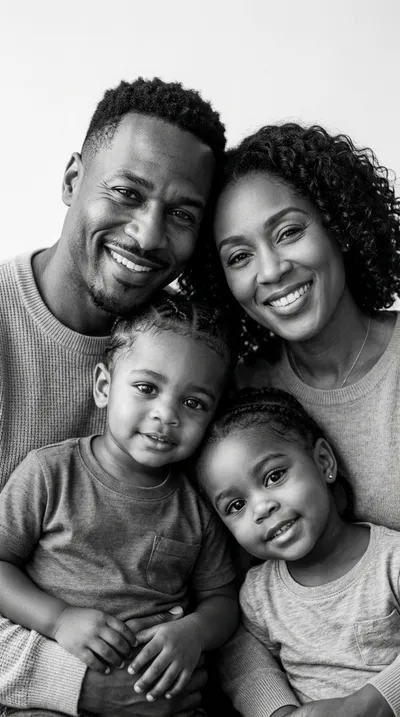
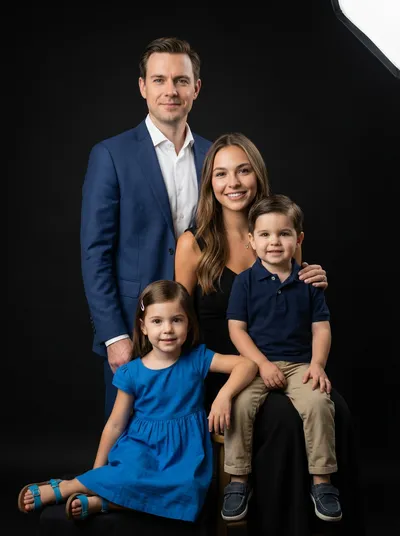

How It Works
Collect selfies from all family members (attendees and those who couldn't make it)
Upload photos to Family Photo Maker (up to 14 people per portrait)
Choose a reunion style: traditional group, outdoor setting, elegant formal
AI composes everyone into a natural, unified family portrait
Download high-resolution image for printing, framing, or sharing with the family
When to Use This
- ✓Creating the "official" reunion photo when some family couldn't attend
- ✓Getting a nice group shot when the in-person attempts were chaotic
- ✓Including elderly or ill family members who couldn't travel to the reunion
- ✓Making reunion keepsakes and gifts for all attendees
- ✓Capturing multiple generations together in a polished portrait
- ✓Documenting family growth year after year at annual reunions
Frequently Asked Questions
Can I add family members who couldn't attend the reunion to the photo?
Yes. Upload selfies from family members who couldn't attend alongside photos from those who were there. The AI combines everyone into one unified reunion portrait.
How many people can be in an AI family reunion photo?
Family Photo Maker supports up to 14 people in a single portrait. For larger reunions, consider creating multiple portraits of different family branches.
What style options work best for reunion photos?
Traditional and outdoor settings work well for most reunion portraits. Choose from elegant studio styles, relaxed outdoor scenes, or seasonal themes depending on when your reunion takes place.
Can I create reunion portraits for different generations separately?
Absolutely. Many families create separate portraits for grandparents with grandchildren, parents with adult children, or cousins together—then display them as a gallery collection.
What if the reunion photos I have are different quality?
The AI does its best to harmonize different photo qualities. For best results, ask each family member to send a clear, well-lit selfie rather than cropping them from group photos.
Related Pages
Ready to Create Your Family Portrait?
Join thousands of families who use Family Photo Maker to create stunning AI portraits. No studio visit required.
Create Your Reunion Portrait →