 Family Photo Maker
Graduation photos
AI Graduation Photoshoot
The ceremony was a blur, the photographer was booked, or the family could not make it. Create the cap and gown photos you wanted from a selfie: on campus, with your diploma, in a studio, or surrounded by the people who got you there.
How it works
Pick a graduation style, upload a clear selfie of the graduate (and of family members, up to 14 photos in total), and get a graduation photo with gown, cap and setting already taken care of.
Graduation photoshoot styles
Real styles from the app, solo and with family. Open one to see the selfies it was made from.
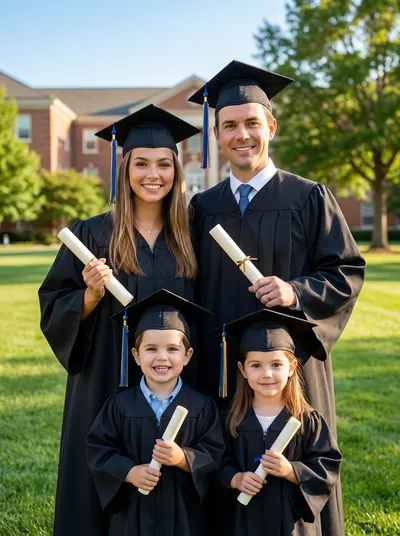
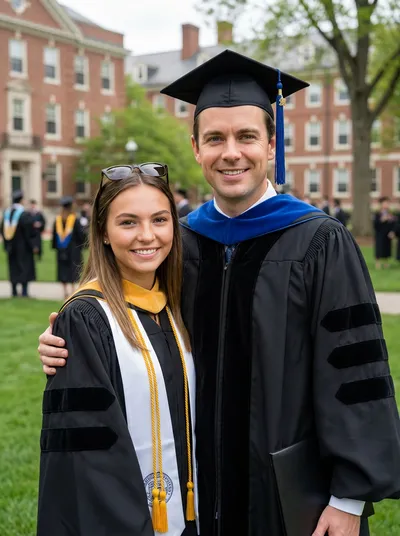
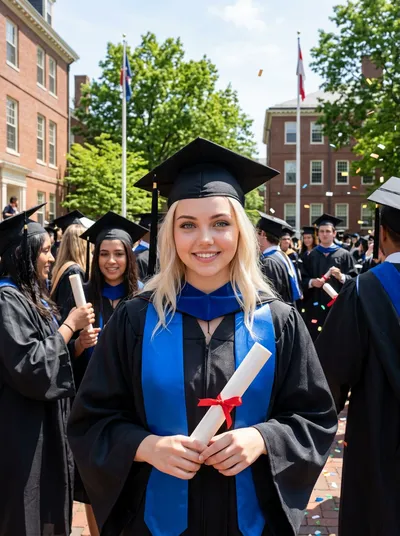
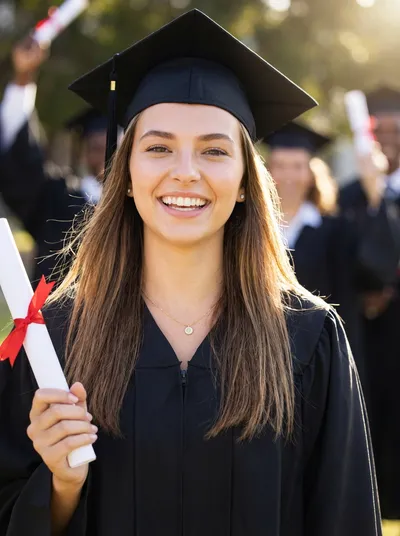
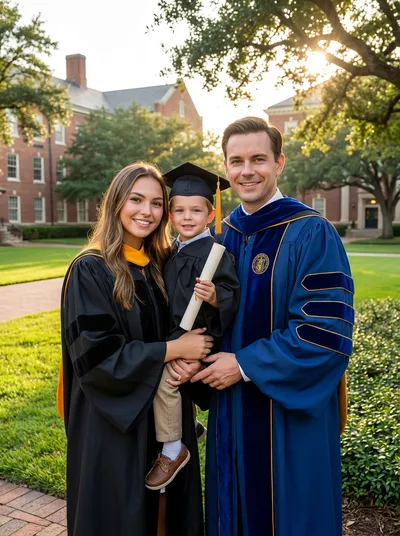

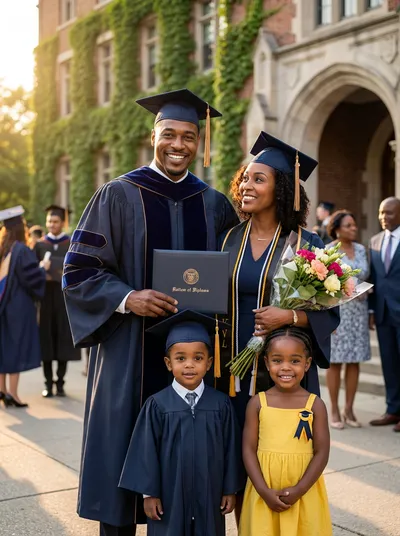
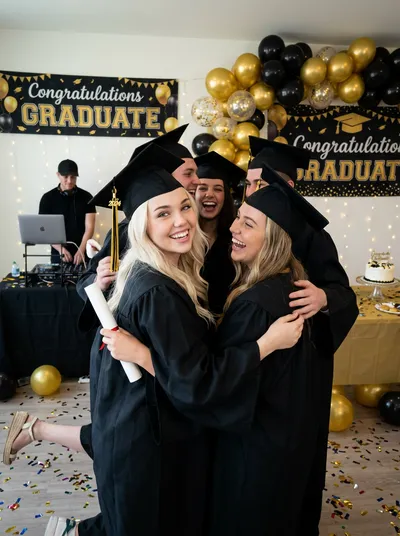
Shots every graduation photoshoot needs
A real grad shoot follows a short list of classic photos. Each one has a matching style.
The cap and gown portrait
The classic head-and-shoulders photo against a studio backdrop. The one that goes on the invitation and the grandparents' fridge.
Campus and steps
Brick buildings, old trees and stone steps. A full-length shot outdoors that shows where the years were spent.
The diploma moment
Holding the diploma, mid-smile. The photo that says it is finally done.
With the family
Parents, siblings and grandparents in the same frame. Everyone sends their own selfie, so nobody needs to travel for the photo.
The celebration
Balloons, banners and the party afterwards. A lighter style for social posts and thank-you cards.
Any year, any time
Graduated years ago without a proper photo? Use a current selfie and create the graduation portrait you never got.
When an AI graduation photoshoot makes sense
Graduation photographers book out early, ceremony photos are often rushed, and online or remote graduates may not have a ceremony at all. An AI photoshoot gives you the classic set of graduation photos on your own schedule.
It also solves the family photo problem. Grandparents who could not travel, a sibling abroad, a parent who missed the day: each sends a selfie, and the family portrait with the graduate still happens.
A note on school colors and logos
The styles are designed around a generic academic gown, cap and campus setting rather than any particular school, so do not expect your own school's crest or logo. That keeps the photos clean for invitations and announcements.
How it works
Pick a graduation style
Cap and gown, campus, diploma or party.
Upload selfies
The graduate, plus family if you like. Up to 14 photos.
Generate
Gown, cap and setting are part of the style.
Share it
Invitations, announcements, thank-you cards and frames.
Frequently Asked Questions
Can I make graduation photos with AI from just a selfie?
Yes. Upload a clear, front-facing selfie of the graduate, pick a graduation style, and the photo is created with the cap, gown and setting from that style.
Do I need to own a cap and gown?
No. The gown and cap are part of the style, so any everyday selfie works.
Can my family be in the graduation photo?
Yes. Add a selfie of each family member, up to 14 photos in total. They can take their selfies wherever they live.
Will it show my school's logo or exact colors?
The styles are designed around a generic academic look rather than a specific school, so school crests and logos are not part of the photo.
Is this for high school or college graduation?
Both. The Graduation category covers college and university looks, and the Senior category has high school senior portraits, including a classic cap and gown style.
Related guides
Graduation Family Photos
Celebrate the graduate with the whole family.
AI Senior Portraits
High school senior portrait styles.
Long-Distance Family Portrait
When family could not be there.
Portrait Gifts
A framed graduation gift.
AI Studio Family Portrait
Classic studio backdrops.
Graduation Styles
Browse every graduation style.
Get the graduation photos you deserve
Pick a style, upload a selfie and create the cap and gown photos, on your own or with your family.
Create your account →